TL;DR: A scanning visit is quieter than most teams expect. The crew arrives with a plan already built from your floor plans, walks the space, then works through a series of short scanner setups until coverage is complete. Nothing is touched, nothing shuts down, and occupied buildings keep operating around us. Coverage is checked before we leave, and the registered point cloud usually follows within a matter of business days, confirmed when the project is quoted.
If you have never hosted a scanning crew before, it is reasonable to picture something disruptive: equipment everywhere, areas taped off, tenants asking questions. The reality is one or two people, a tripod, and a piece of equipment that most building occupants walk past without a second look.
Here is the full sequence, from the week before to the day the files land.
Before Anyone Mobilises
The visit is mostly decided before it starts. Three things get confirmed in the scoping conversation:
Scope. Which floors, rooms, and zones are being captured, and what deliverable the scan feeds. This determines the scan plan: how many positions the operator will set up, and where. Areas that matter to your project (a mechanical room, an ornate ceiling, a loading dock) get flagged now so they receive deliberate coverage rather than incidental capture.
Access. Who lets the crew in, which areas need an escort, whether any floors are tenant-controlled, and what hours are workable. Occupied commercial buildings usually scan during business hours without issue. Buildings with strict protocols scan after hours or floor by floor as access allows.
Safety. If your site has induction requirements, PPE rules beyond the standard kit, or restricted zones, this is when we plan around them. Crews carry CSA-compliant PPE as standard, and the scanners themselves are Class 1 laser devices under CAN/CSA-Z136.1, meaning they are eye-safe and require no exclusion zones.
If you have existing drawings, even old or partial ones, sharing them here genuinely helps. They inform the setup plan, not the measurements.
The Day Itself
Arrival and walkthrough. The operator checks in, walks the scope areas with whoever is hosting, and confirms the plan against reality. Locked rooms, unexpected storage, or a floor that changed since the drawings were made get resolved now, while there is still time to adapt.
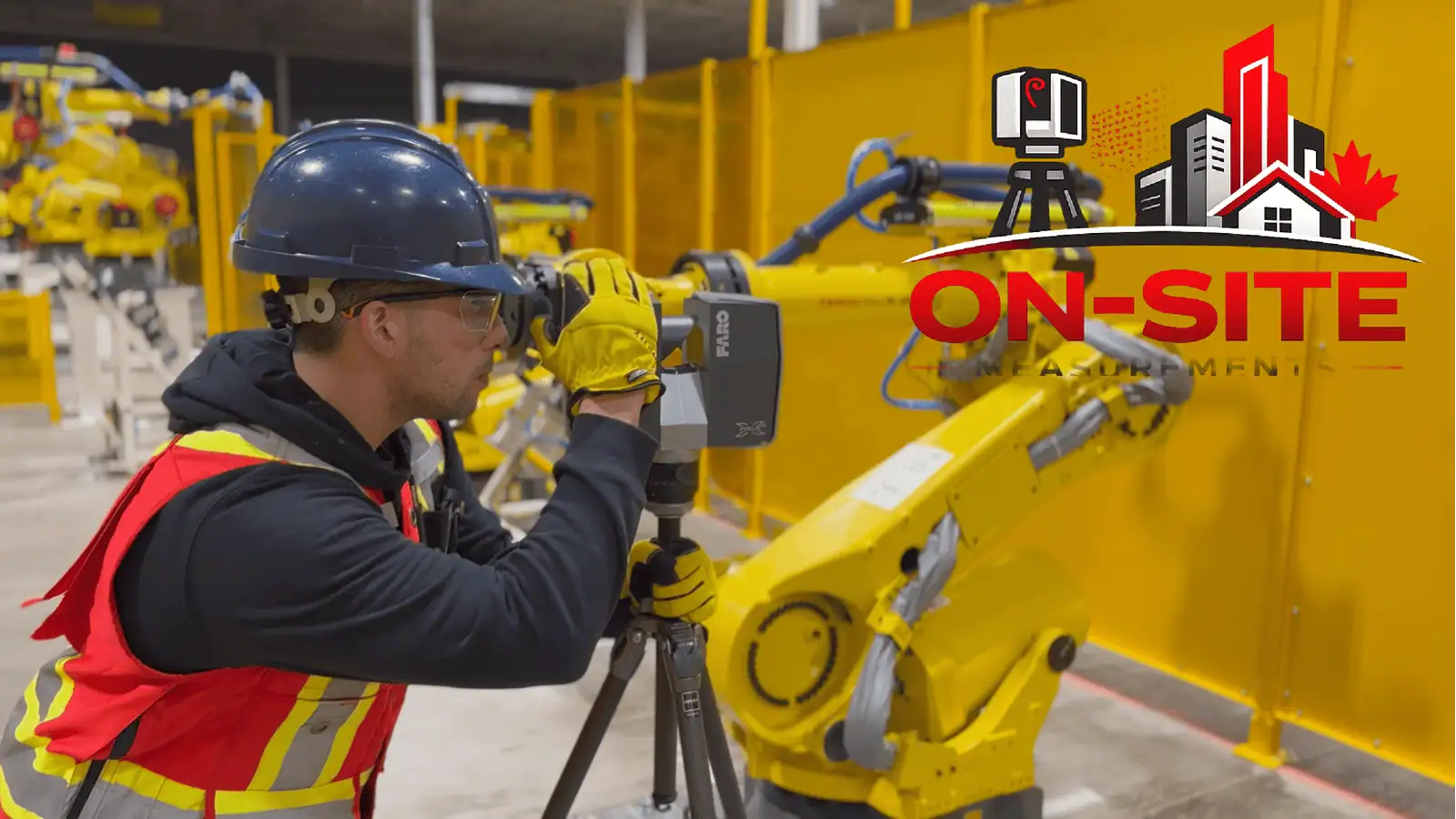
Capture. The scanner runs from a series of fixed positions. Each setup takes a few minutes, and on a commercial floor with normal obstructions there are usually dozens of them. The operator moves the tripod, levels it, starts the scan, and waits. That is the whole show. It is methodical rather than dramatic.
A few practical notes about what capture is like to host:
- It is non-contact. Nothing gets touched, moved, or attached to the building.
- People can keep working. Foot traffic in adjacent areas is fine. The operator coordinates around meetings and busy corridors rather than the other way around. Someone walking through a scan just means a small rescan of that position at most.
- It works in winter. Interior scanning is unaffected by weather. Exterior capture proceeds in most Canadian conditions too, with equipment rated well below freezing.
Coverage check before leaving. Before demobilising, the operator reviews the captured data on a tablet and confirms the scope is covered. This step exists because remobilising is the most expensive fix in this industry. If a gap is found, it gets scanned before the crew leaves, not discovered three weeks later.
What We Need From You
The list is short:
- A site contact who can grant access on the day
- Keys or badges for in-scope rooms, or someone who has them
- A heads-up to tenants or staff if the space is occupied, purely so nobody is surprised
- Any site-specific safety requirements, in advance
What We Do Not Need
You do not need to clean, empty, or prepare the space beyond normal access. Furniture stays. Racking stays. Equipment stays. The scan documents the building as it exists, and working around contents is part of the job. The only thing worth moving is anything blocking access to a space that must be captured, like stored boxes in front of a mechanical room door.
After the Visit
Back at the office, the individual scans are registered into a single coordinated point cloud, aligned, cleaned, and quality checked. For most projects the registered cloud is ready within a handful of business days of the field visit, and the actual date is confirmed at quoting. Drawings or BIM models scoped on top of the cloud follow on their own drafting or modelling timeline, which is confirmed when the project is quoted.
You receive the deliverables in the formats agreed at scoping: E57, RCP, or LAS/LAZ for point clouds, DWG and PDF for drawings, RVT or IFC for models. The full workflow behind this is on our 3D laser scanning service page.
Booking a Visit
Send the site address, the areas in scope, your deliverable, and any access constraints to mike@onsitemeasurements.ca or through the contact form. Quotes go out within 24 hours, and most projects are on site within a couple of weeks of acceptance, subject to scheduling.
Service areas: Toronto, Vancouver, Calgary and Montreal.
Frequently Asked Questions
How long will the crew be on site?
It scales with area and complexity. A straightforward single commercial floor is commonly a same-day visit; a field day commonly covers a few thousand square metres of uncomplicated indoor capture. Multi-floor or dense sites take longer, and the duration is confirmed in your quote.
Does the building need to be empty?
No. Most Canadian commercial scanning happens in occupied buildings during business hours. The operator coordinates around people, and the scan simply proceeds position by position.
Is the laser safe around staff and the public?
Yes. The scanners are Class 1 laser devices under CAN/CSA-Z136.1, the same eye-safe classification, requiring no barriers or exclusion zones.
What if a room is locked or inaccessible on the day?
Anything not accessible does not get captured, which is why access is confirmed beforehand. If something unexpected blocks an area, the operator flags it immediately so you can decide whether to resolve access that day or exclude the area from scope.
Can you scan outside in a Canadian winter?
Interior work is unaffected year-round. Exterior scanning proceeds in most winter conditions, with equipment rated to well below freezing and field protocols for the genuinely cold days.